I take a lot of photographs...I know we ALL do!
You can’t blog without photos! It’s no FUN!

We don’t have time to work on each and every one of our photos but it’s FUN to work on some of them, especially those we want to put in our sidebars!
I saw some neat photos that Debbie had worked on...HERE!
And that gave me the idea to show a little step by step process for making a photo special!
I took this photo....

and opened up Picassa and clicked on the photo to enlarge, then clicked on picnik. (this is a good time to walk away and get a glass of water or a snack. picnik takes a little while to open)
So now we are in picnik....
click on Effects
go to Vignette and do a little magic there,
then go to Focal B & W and place the circle of color that you want to highlight and apply,
Go to Frame, go to Border and choose your outside and inside colors and the width of the frame.
Now it’s time to add the Text...
I used Love Ya Like a.... and changed the color.
Then added Text again.
And VOILA! Wendy is prettier than ever!

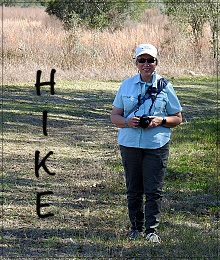
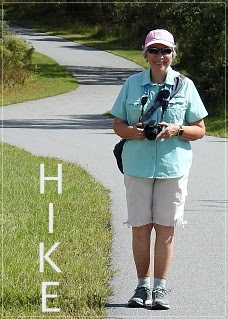
I used some of the same techniques for these!

Enjoy Blogging....

I’m joining Kim at Savvy Southern for WOW!!!
Have fun with your photos!
(and let me know if you work some magic on YOUR photos!)


![4881045b_thumb[1]](https://blogger.googleusercontent.com/img/b/R29vZ2xl/AVvXsEh5lrduPPb9xNQwJTmd4z09qCGH8AAt88iYpVFkj_GFK2E4aDhVPooqO-jvvsDQTjyOlceZVw330GPvoWfH8Ijm-3-Uzm_DH4O41Gce-MU0aHujOtI5iGQ8SewkB00VzVA9Vv94t-SkqzU/?imgmax=800 "4881045b_thumb[1]")